TVS - Torrent Video Streaming
Publisher Description
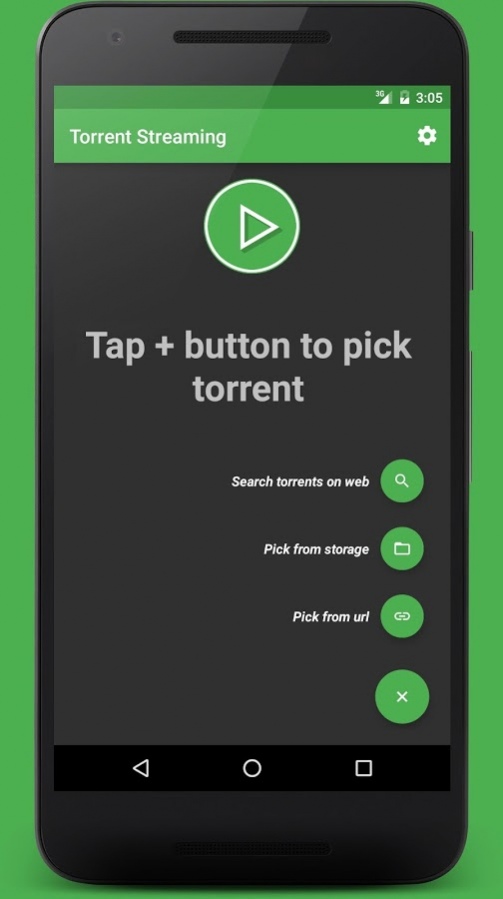

Torrent Video Streaming is a simple stream tool to play torrent video and audio files in just a moment!
KEY FEATURES
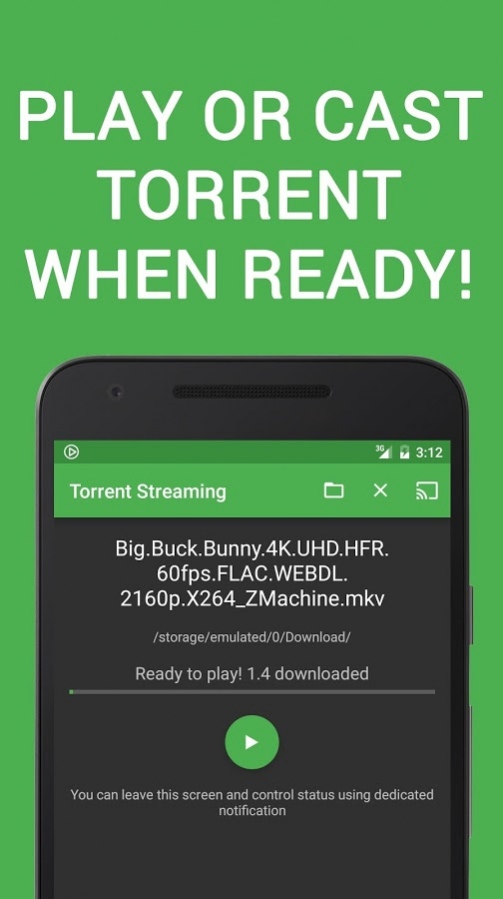
✓ Play torrent video and audio instantly from your device with your favorite player
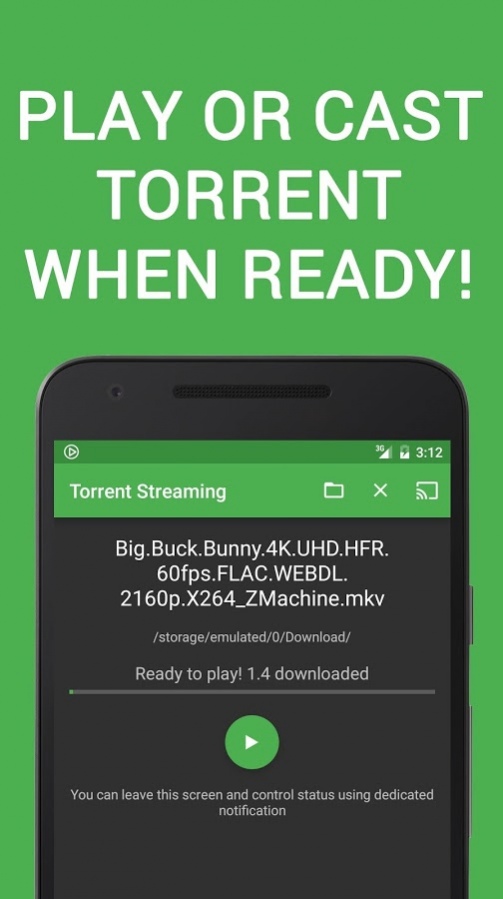
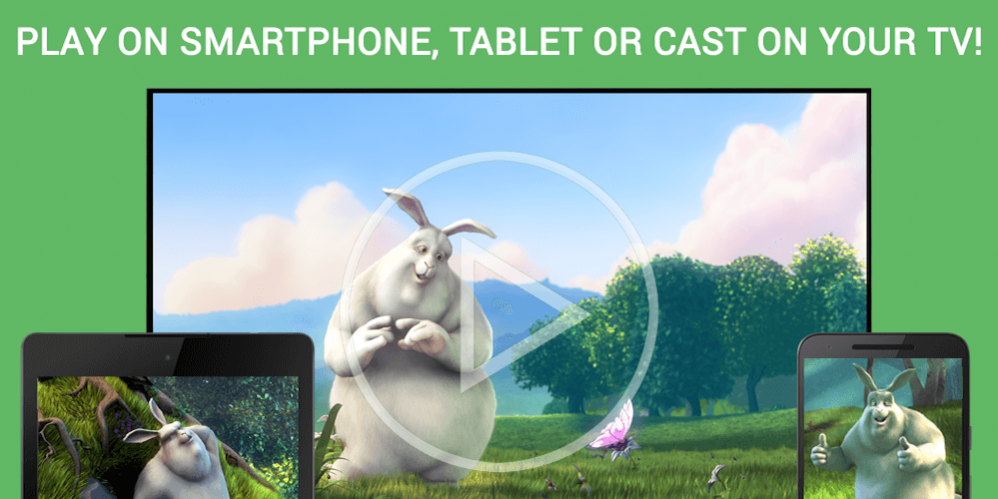
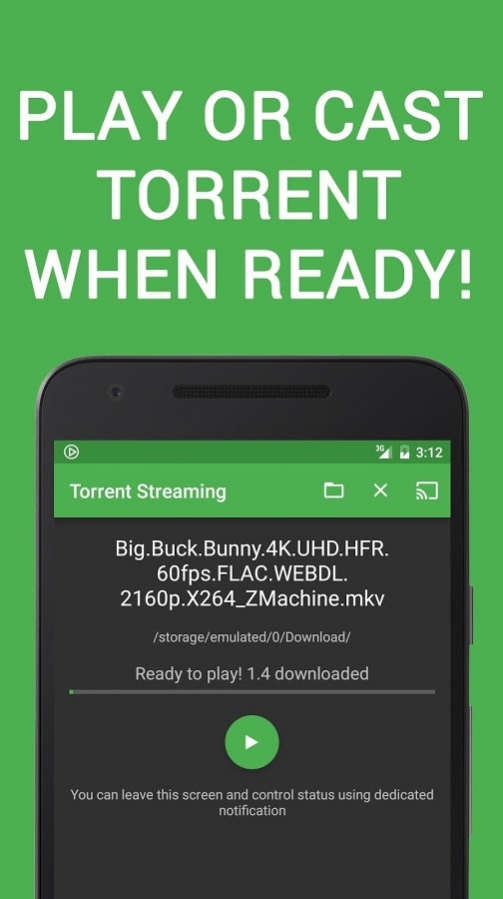
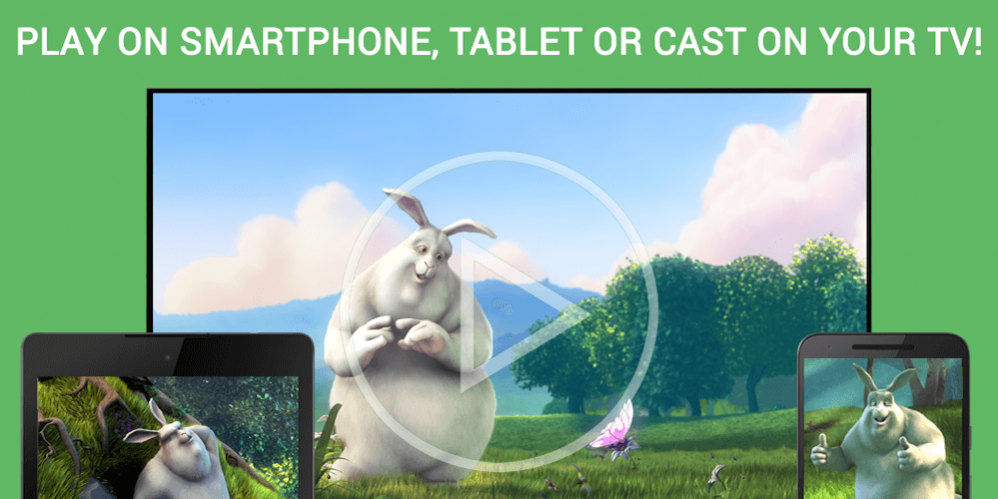
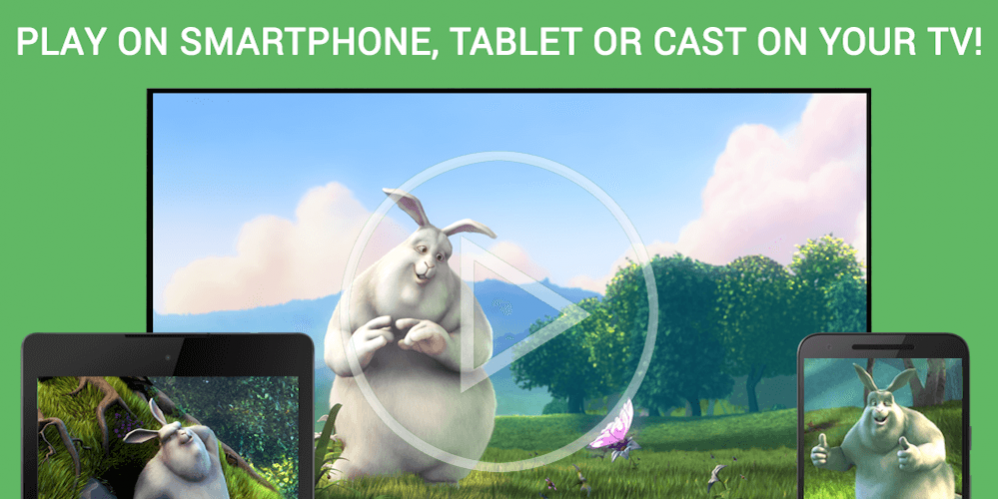
✓ Chromecast support. You can now cast video and audio on your TV
✓ Multi-language Subtitles support
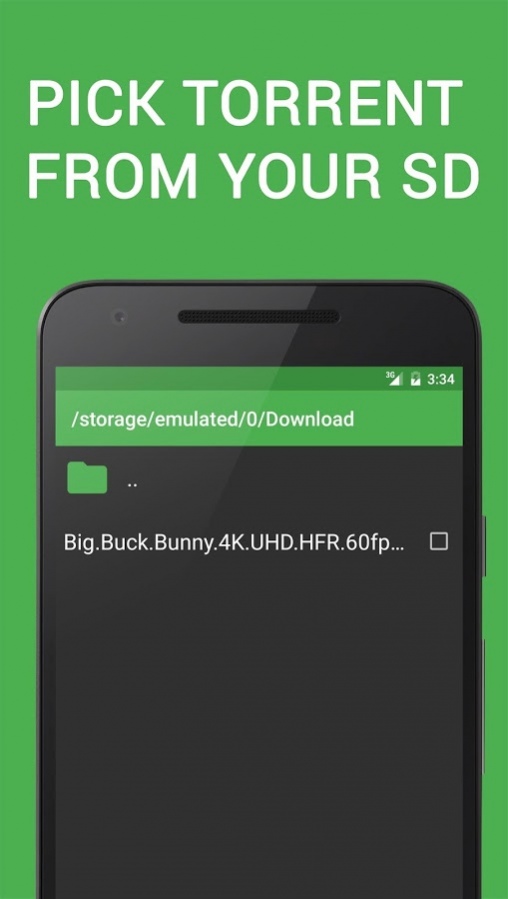
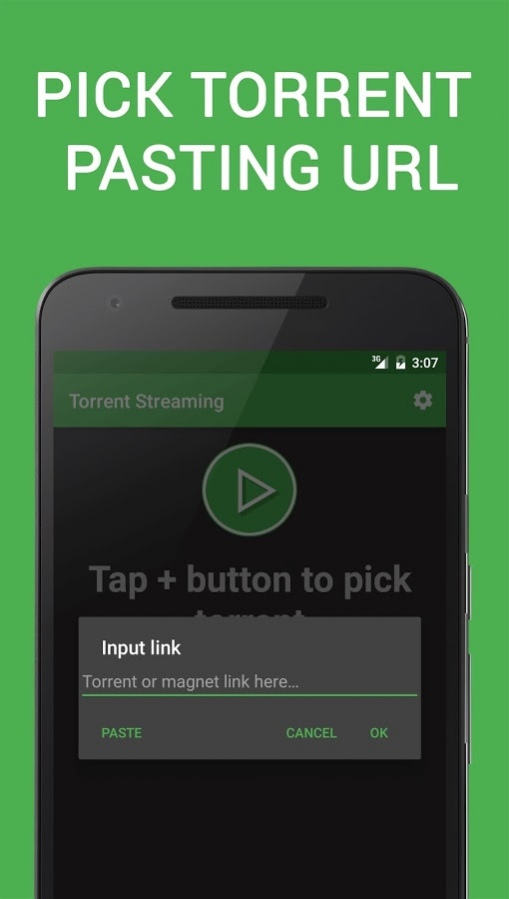
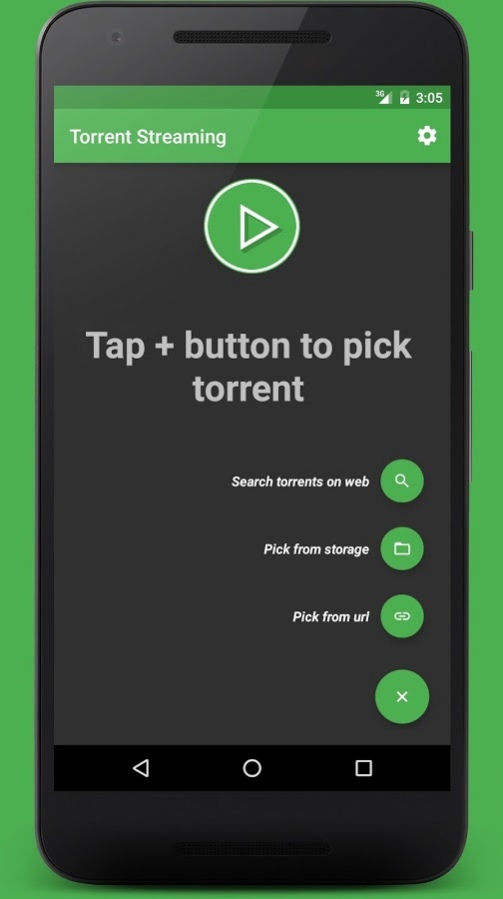
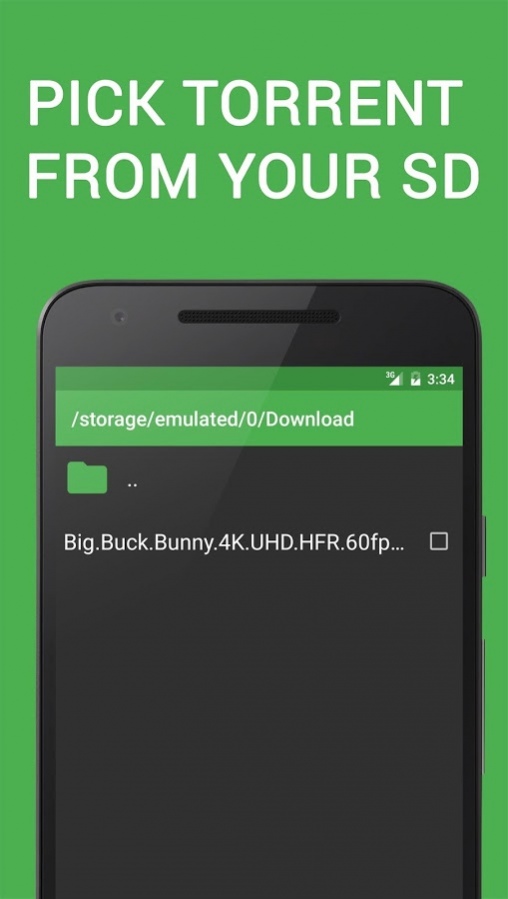
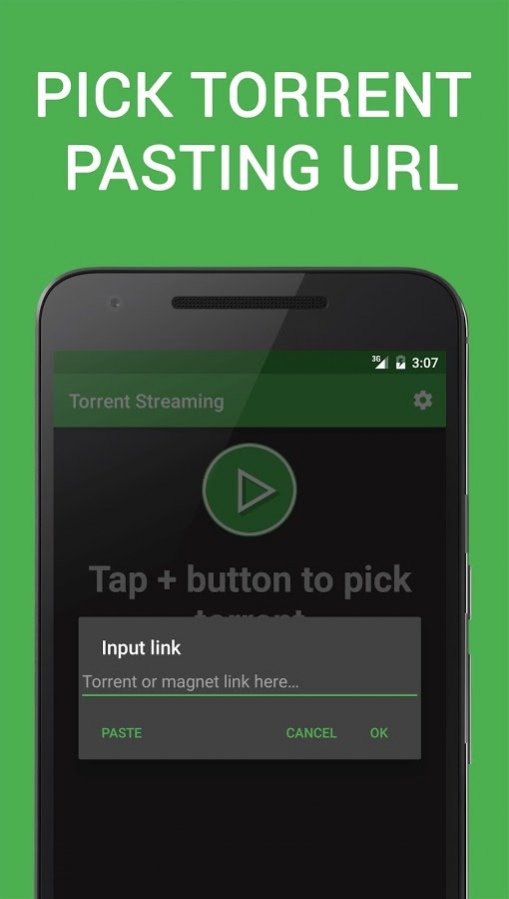
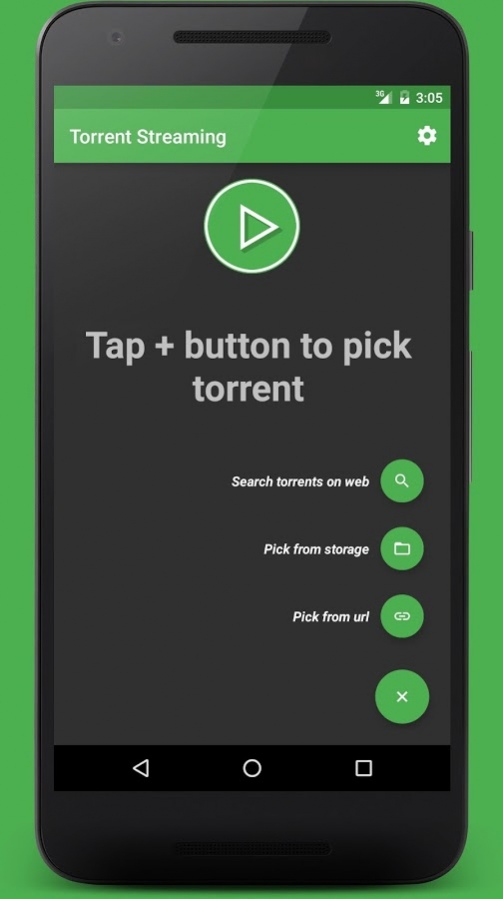
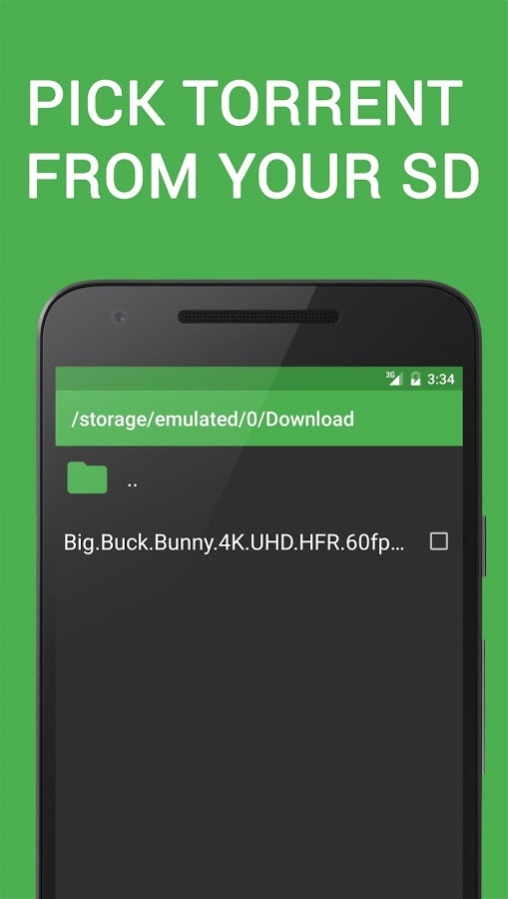
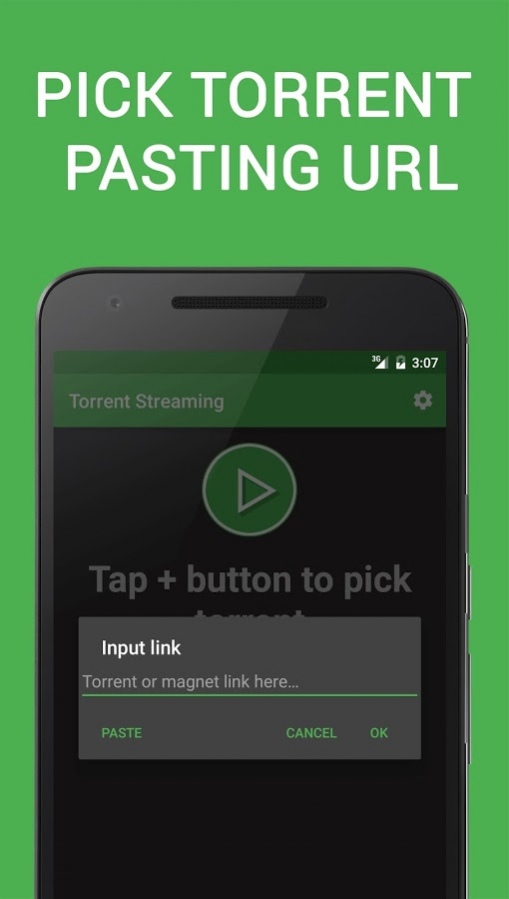
✓ Pick .torrent files from your SD or paste torrent or magnet url
✓ Search torrent on the web
✓ Torrent stream resume supported
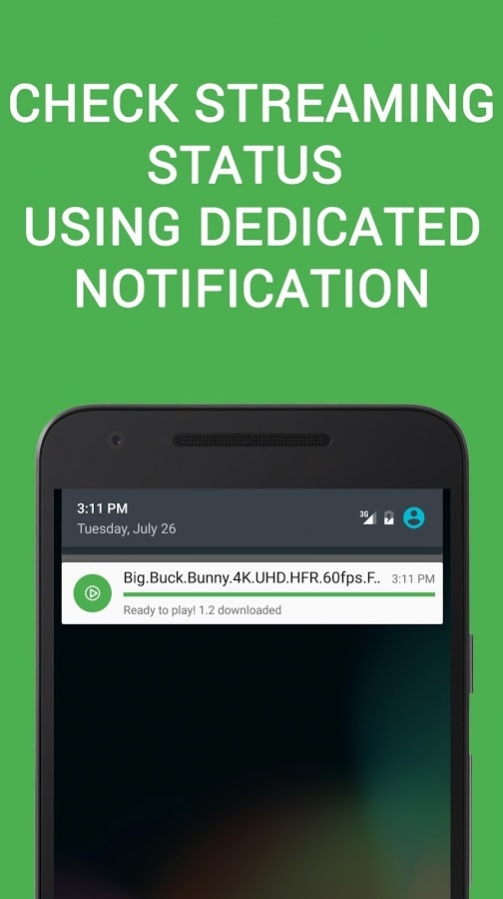
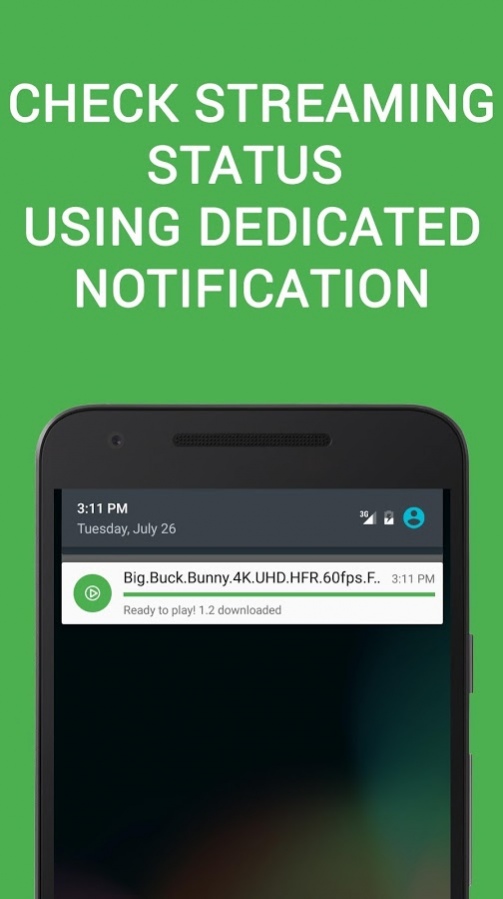
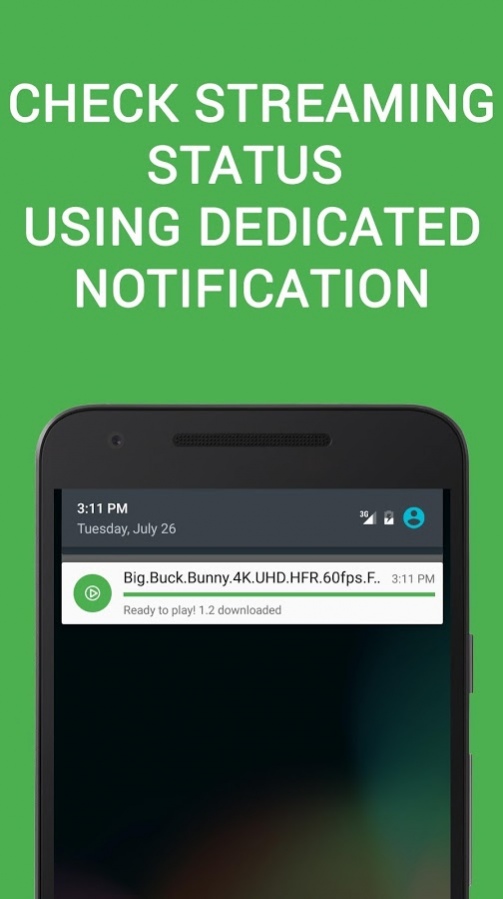
✓ Dedicated notification to control and check stream status
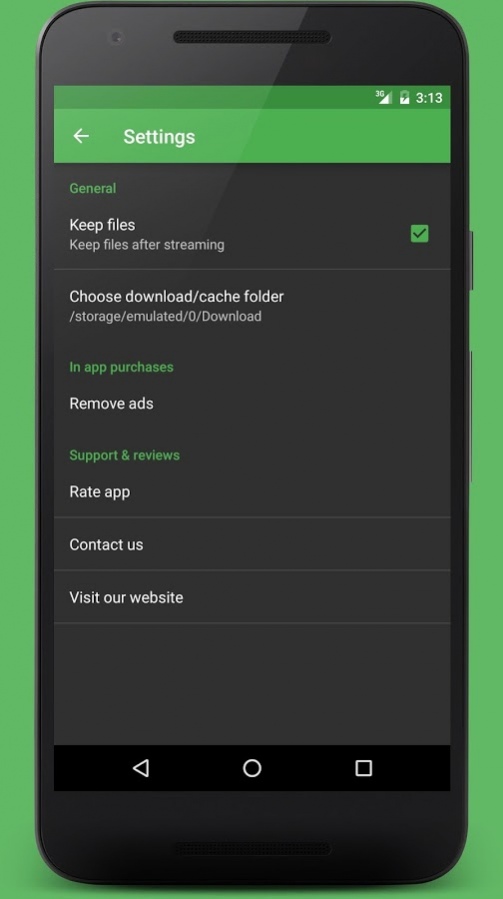
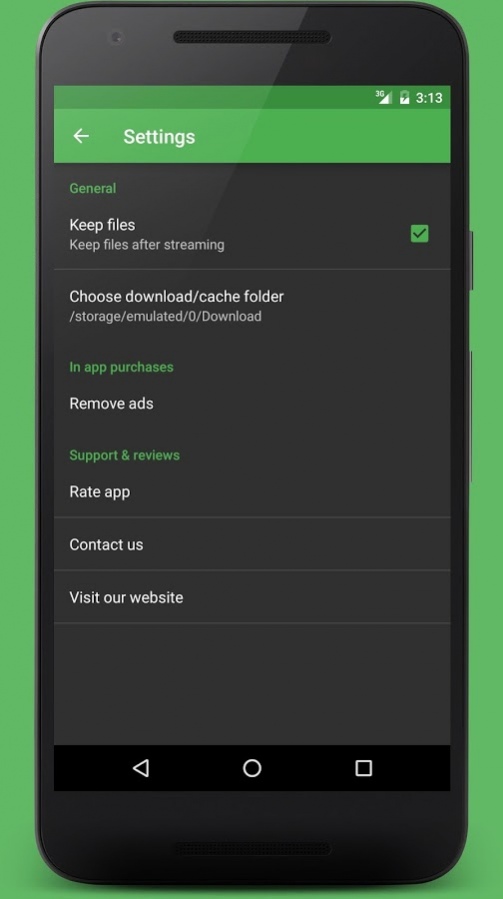
✓ Choose to keep files after steaming or not from settings
✓ Choose your download/ cache location in settings
✓ Remove ads with a small in app purchase from settings
Don’t waste time waiting torrent download completition!
Use Torrent Video Streaming to play torrent media files without any download!
Just wait connection and buffering time and you’ll be ready to play your file!
Note: Torrent stream may cause large network data usage on 3g and 4g connections
About TVS - Torrent Video Streaming
The company that develops TVS - Torrent Video Streaming is Itsasoftware. The latest version released by its developer is 1.0 . This app was rated by 2 users of our site and has an average rating of 5.0.
To install TVS - Torrent Video Streaming on your Android device, just click the green Continue To App button above to start the installation process. The app is listed on our website since 2017-10-15 and was downloaded 214 times. We have already checked if the download link is safe, however for your own protection we recommend that you scan the downloaded app with your antivirus. Your antivirus may detect the TVS - Torrent Video Streaming as malware as malware if the download link to org.itsasoftware.torrent.streaming is broken.
How to install TVS - Torrent Video Streaming on your Android device:
- Click on the Continue To App button on our website. This will redirect you to Google Play.
- Once the TVS - Torrent Video Streaming is shown in the Google Play listing of your Android device, you can start its download and installation. Tap on the Install button located below the search bar and to the right of the app icon.
- A pop-up window with the permissions required by TVS - Torrent Video Streaming will be shown. Click on Accept to continue the process.
- TVS - Torrent Video Streaming will be downloaded onto your device, displaying a progress. Once the download completes, the installation will start and you'll get a notification after the installation is finished.
Program Details
System requirements
Download information
Pricing
Version History
version
posted on 2017-10-15
✓ User interface improvements
✓ Fixed issue with files larger than 2GB
✓ Subtitles (multi-language) now available!
✓ Added audio file support (also for Chromecast)
✓ For torrent including multiple files you can now:
- Choose your favorite media file to download and play
- Choose to download only selected file or all torrent files
✓ Remove ads option in settings page
✓ Choose download/cache location from settings
✓ Improved file support for VLC users
